Launch the Workstation
This section provides instructions on how to launch an existing workstation on the Tachyon platform.
Step 1: Go to the Workstations List Page
Navigate to Workstations > My Workstations from the sidebar.
You will see a list of workstations along with their status.
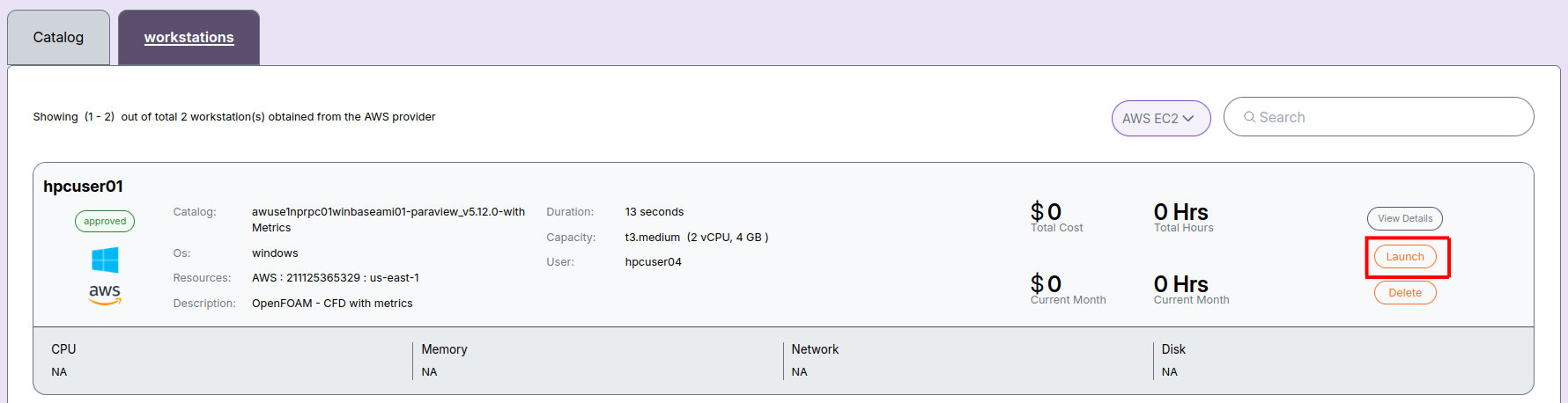
Step 2: View Workstation Details
Click on a workstation name to open its detailed view page.
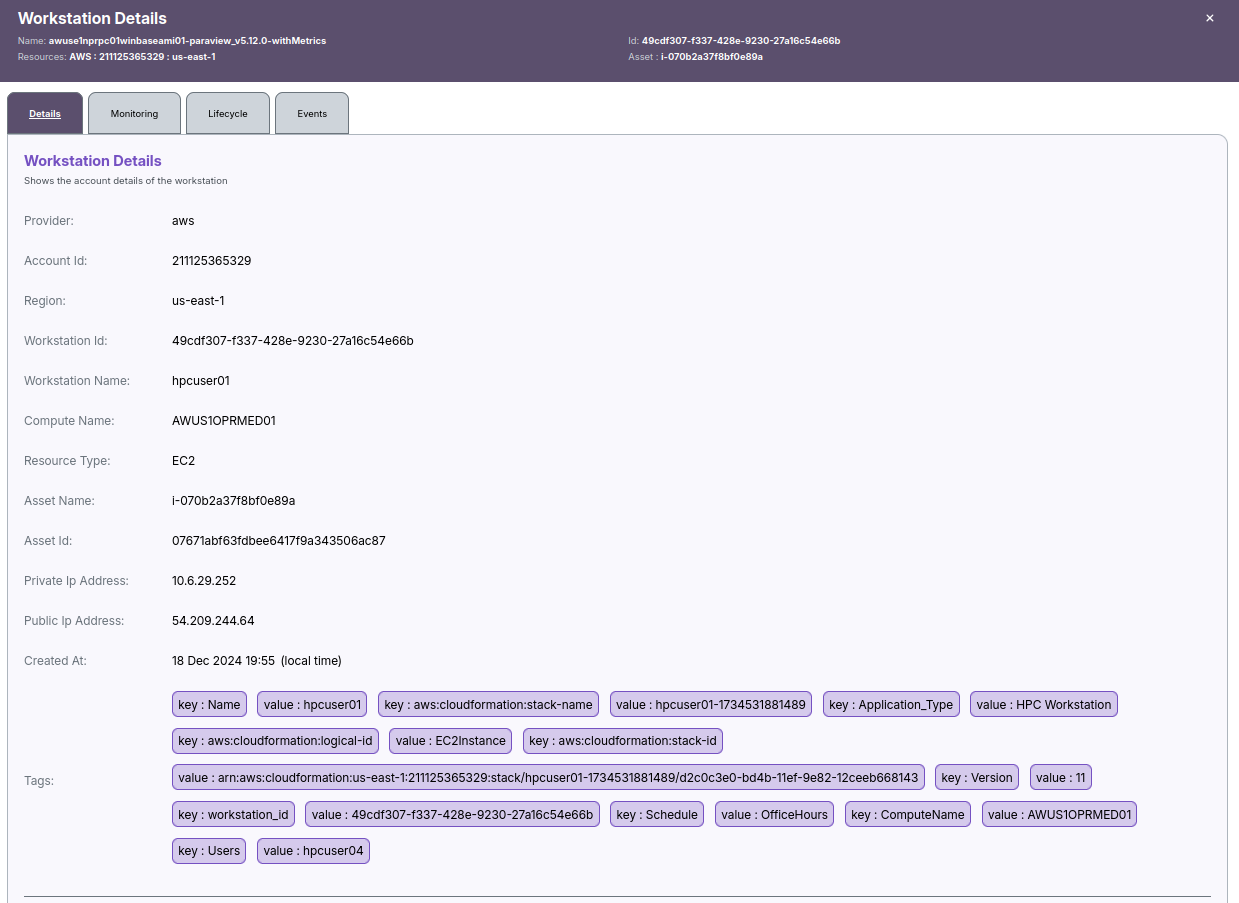
Step 3: Launch the Workstation
Click the Launch button shown in the workstation details page.
You will be prompted to confirm the action.
Step 4: Workstation Status - Launching
After confirming, the workstation status will change to Launching.
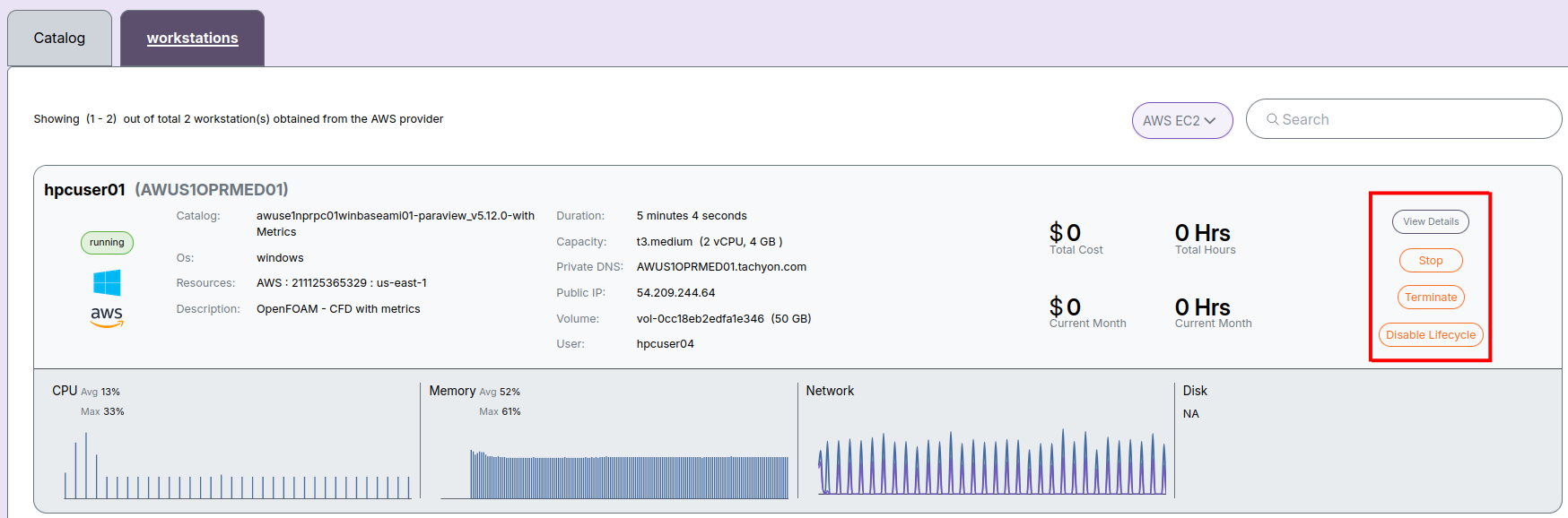
Step 5: Workstation Status - Running
Once the workstation is fully launched, its status will show as Running and it is ready to use.
📌 General Notes:
- If you encounter any UI issues or have questions about job submissions or status, please contact the Admin for support.