Create a User Defined Function (UDF)
This section explains how to create a UDF (C script) to be used in ANSYS Fluent jobs.
Step 1: Navigate to the UDF Page
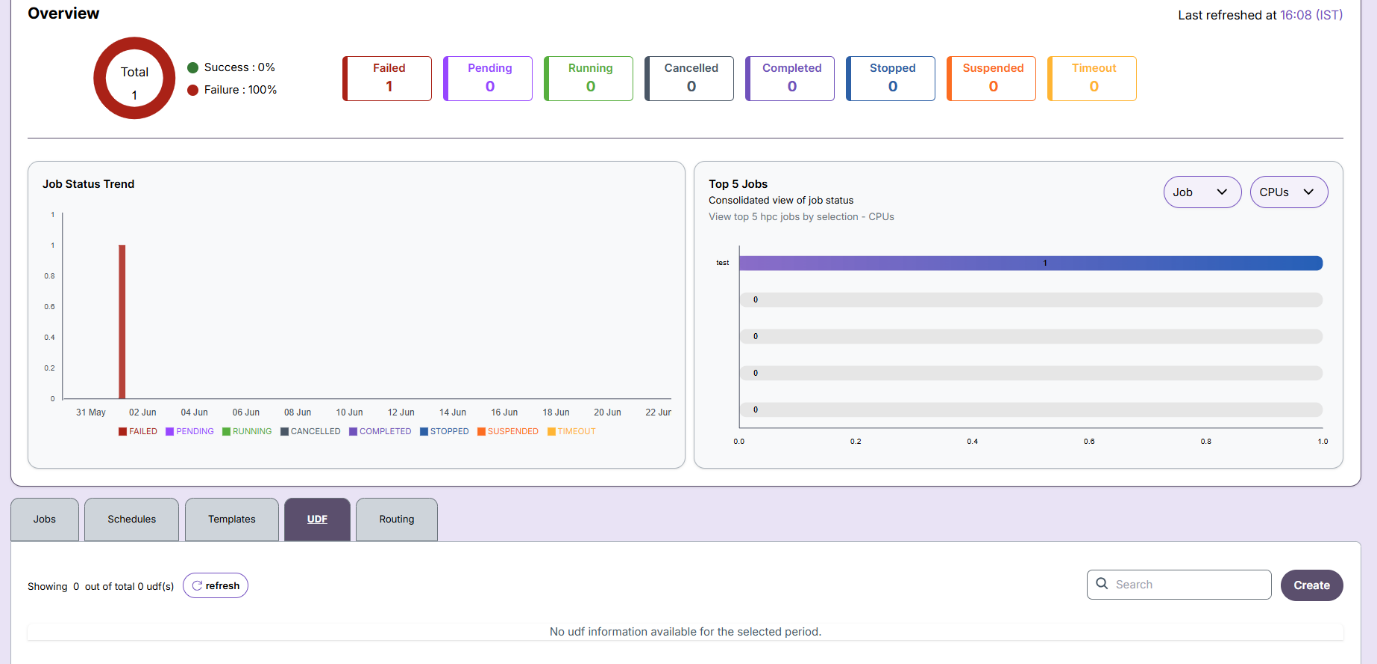
From the Jobs tab, click on UDF in the top menu.
Step 2: Click on Create
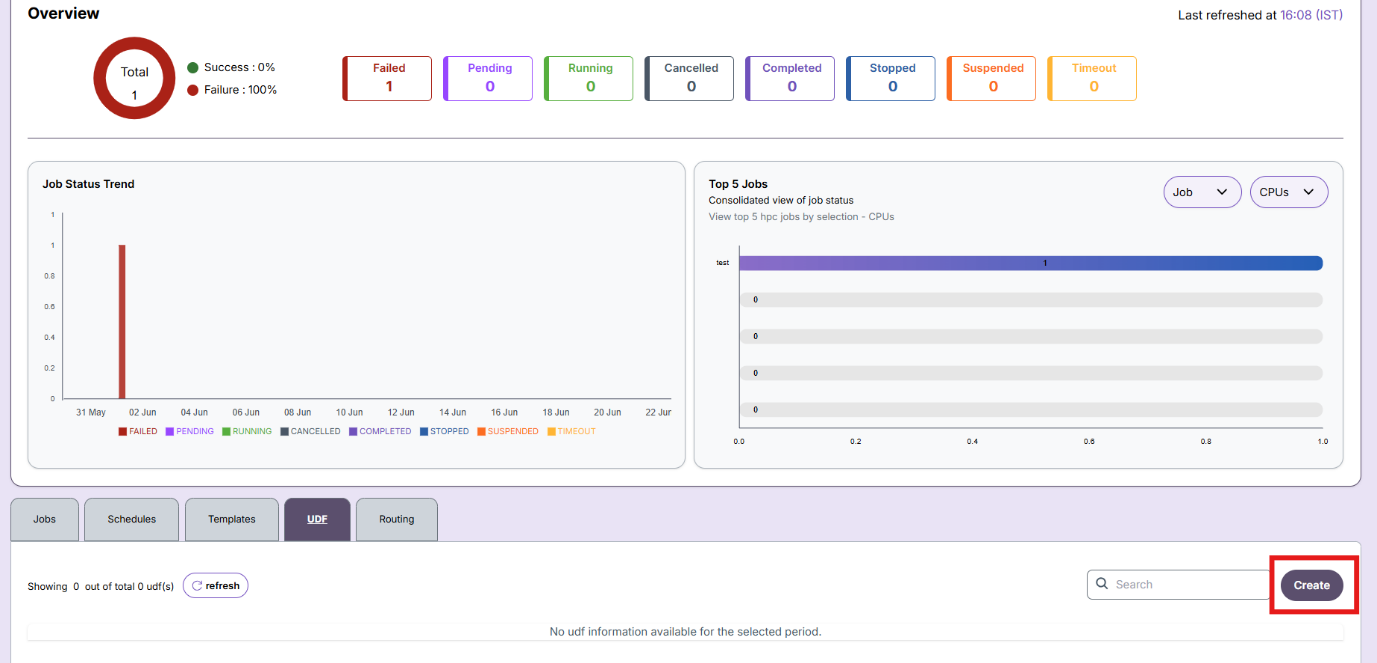
Click the Create button to start the UDF creation flow.
Step 3: Fill UDF Information
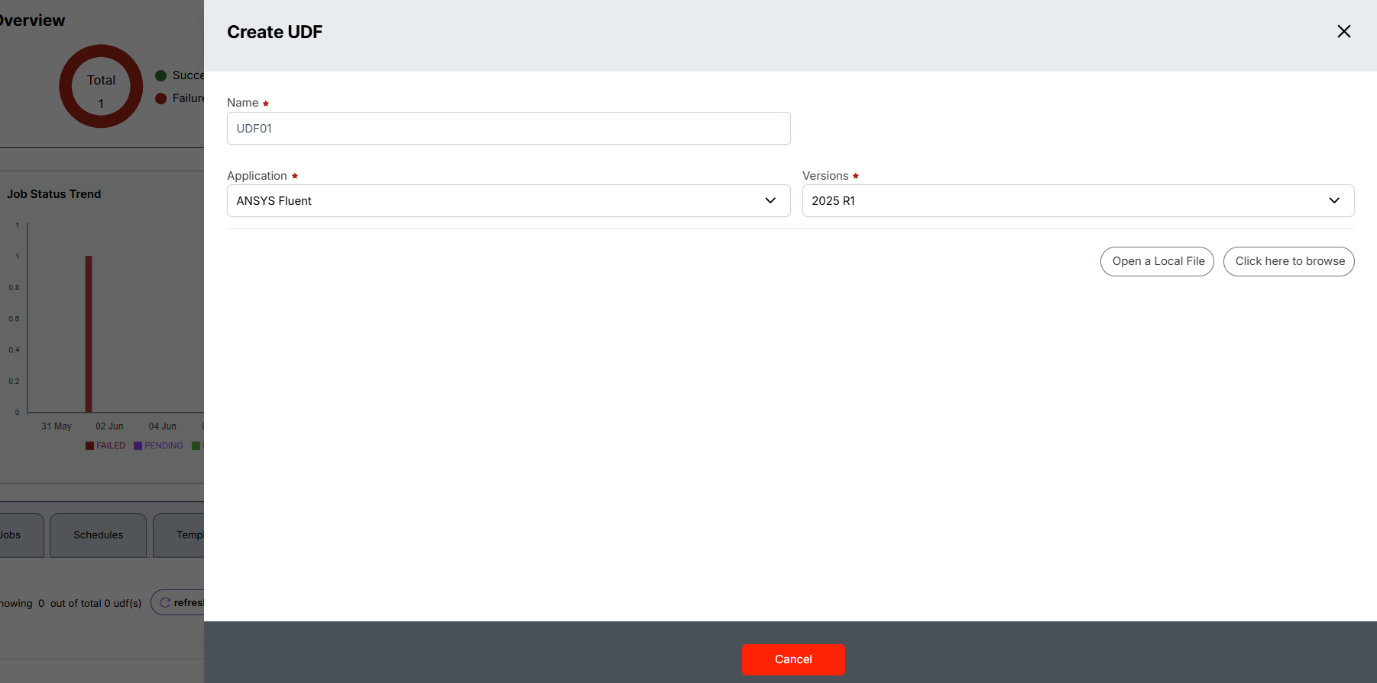
Provide: - UDF Name - Application (e.g., ANSYS Fluent) - Version (e.g., 2025 R1)
Step 4: Upload the Script File
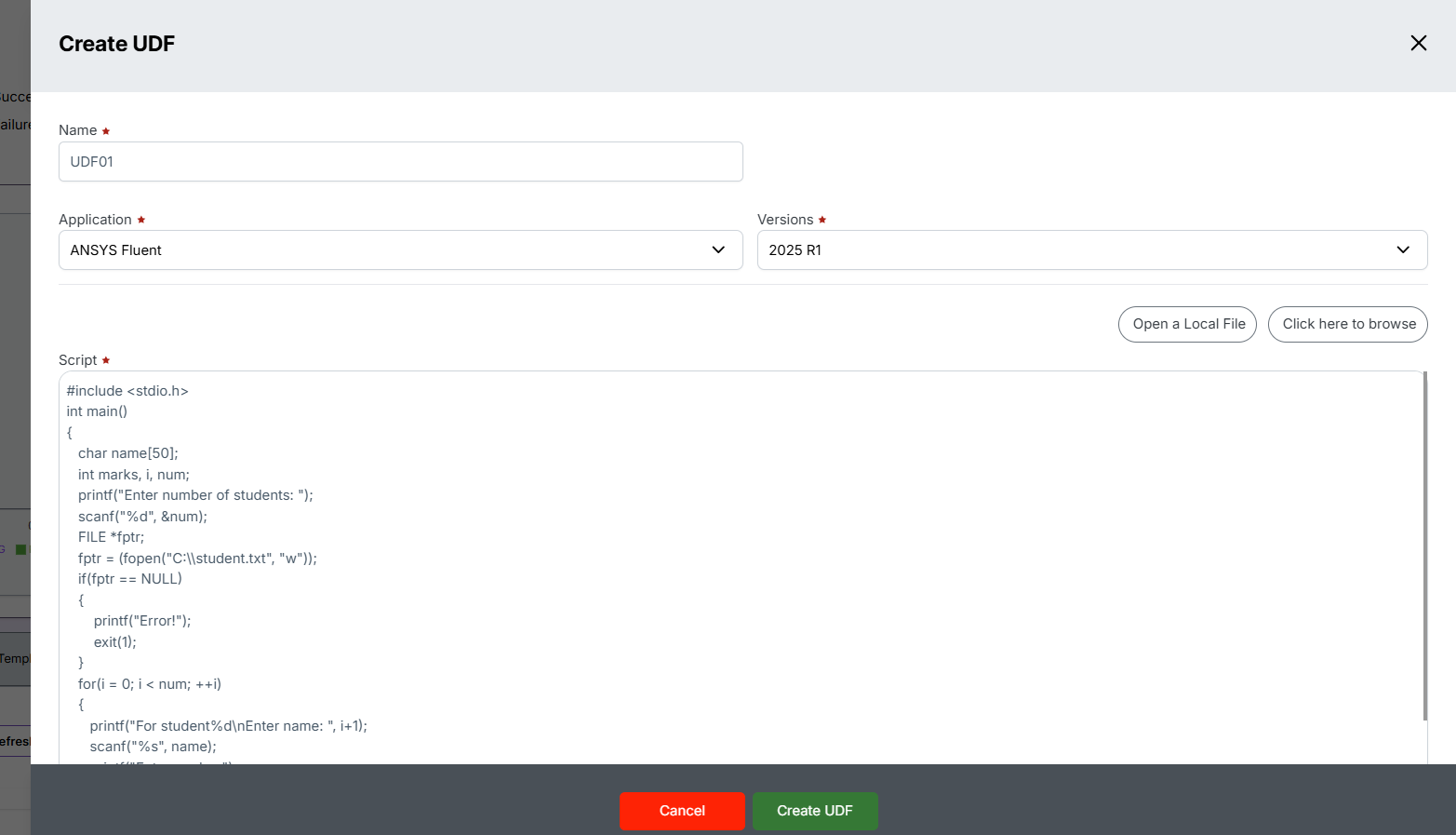
Click Open Local File or drag and drop your .c or .h file for upload.
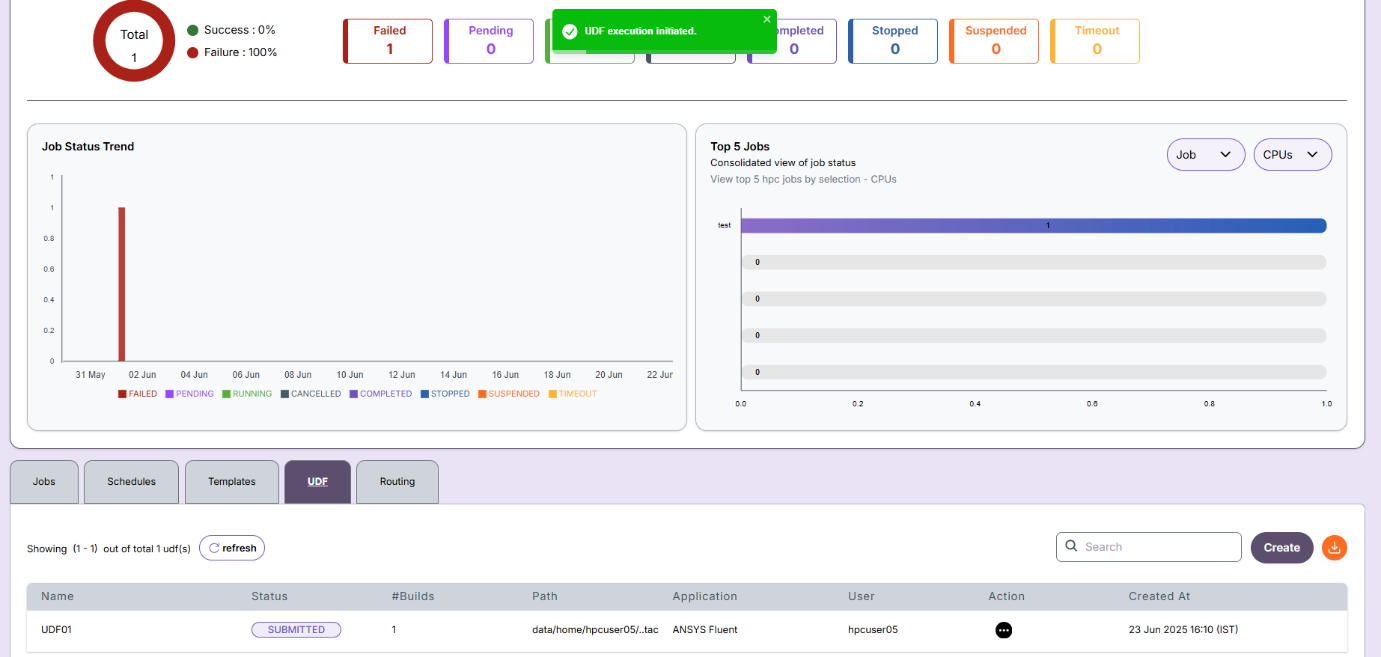
Step 5: UDF Creation Complete
click on create UDF,the UDF will appear in the list after successful creation.
-
📌 General Notes
- If you encounter any UI issues or have questions about job submissions or status, please contact the Admin for support.