Cluster › Details
The Details tab provides a comprehensive view of all configuration and infrastructure parameters for a selected cluster. This includes account information, headnode data, compute configuration, queues, storage, database access, and additional runtime metadata.
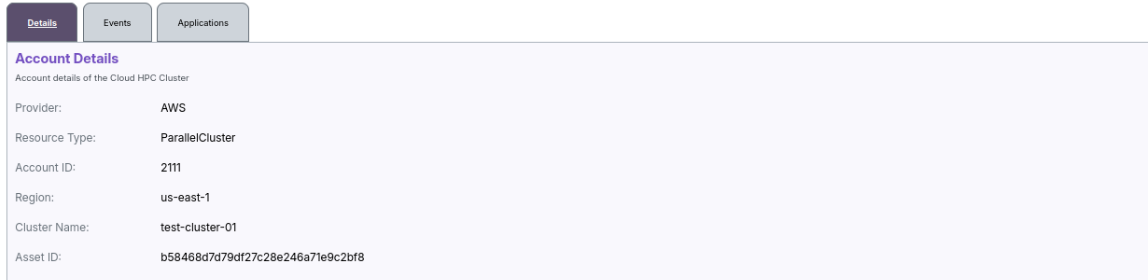
📁 Account Details
This section displays the metadata about the AWS account where the cluster is deployed.
| Field | Description |
|---|---|
| Provider | Cloud provider (e.g., AWS) |
| Account ID | AWS account number |
| Region | Region where the cluster is deployed |
| VPC ID | VPC used for networking |
| Asset ID | Internal asset tracking ID |
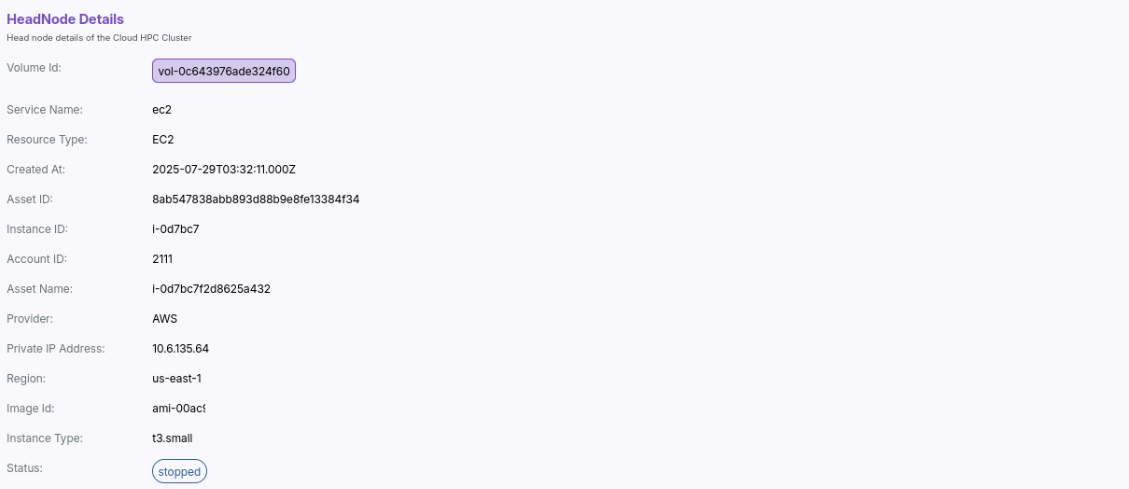
🧠 HeadNode Details
Displays information about the head node associated with the cluster.
| Field | Description |
|---|---|
| Instance ID | EC2 instance ID of the head node |
| Resource Type | e.g., EC2 |
| AMI ID | Amazon Machine Image ID used |
| Hostname | DNS name or hostname of the headnode |
| Subnet ID | Subnet under which the headnode resides |
| Instance Type | Type of EC2 instance (e.g., c5.large) |
| Key Name | SSH key pair used for login |
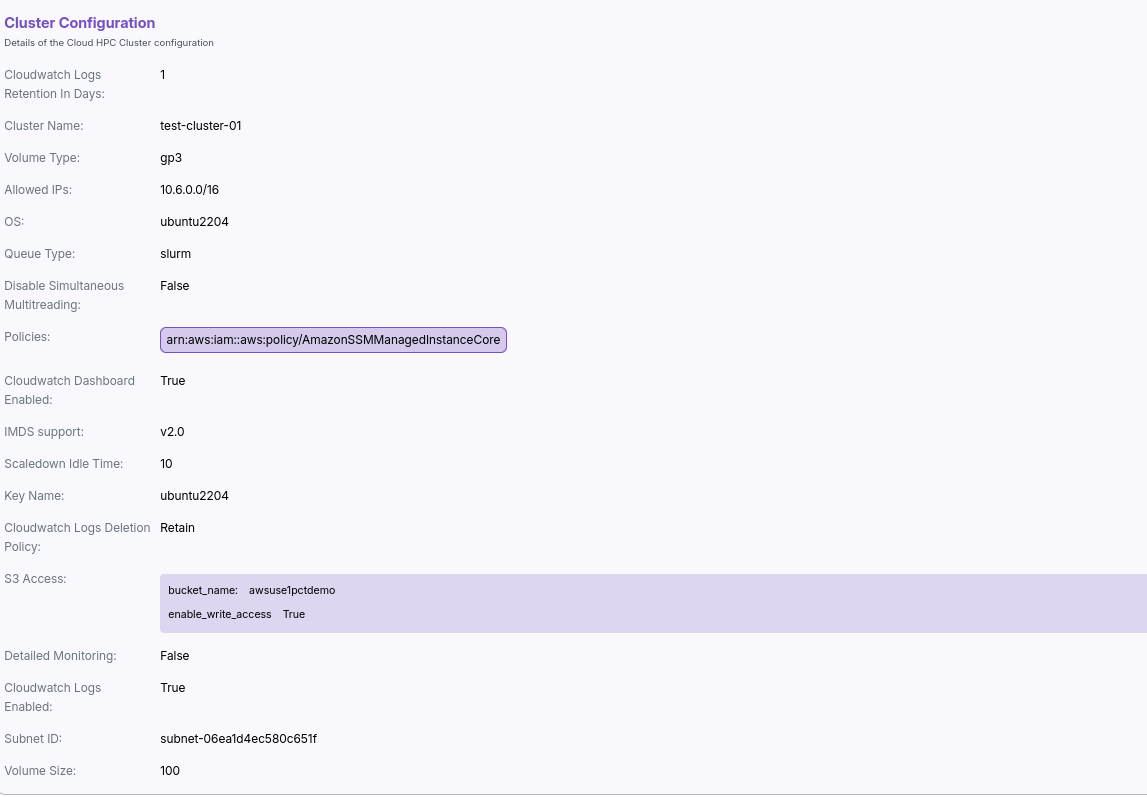
⚙️ Cluster Configuration
Shows key properties and operational details about the compute cluster.
| Field | Description |
|---|---|
| Cluster ID | Unique identifier of the cluster |
| Version | Cluster software version |
| Class | e.g., cluster-v2 |
| Cluster Type | e.g., slurm |
| Dashboard Enabled | Indicates if the dashboard is active |
| OS Image | Amazon Linux or custom image |
| Key Name | SSH Key for compute instances |
| Log Group | CloudWatch log group used |
| Volume Type | e.g., gp2, io1 |
| Scheduler | Type of job scheduler (e.g., slurm) |
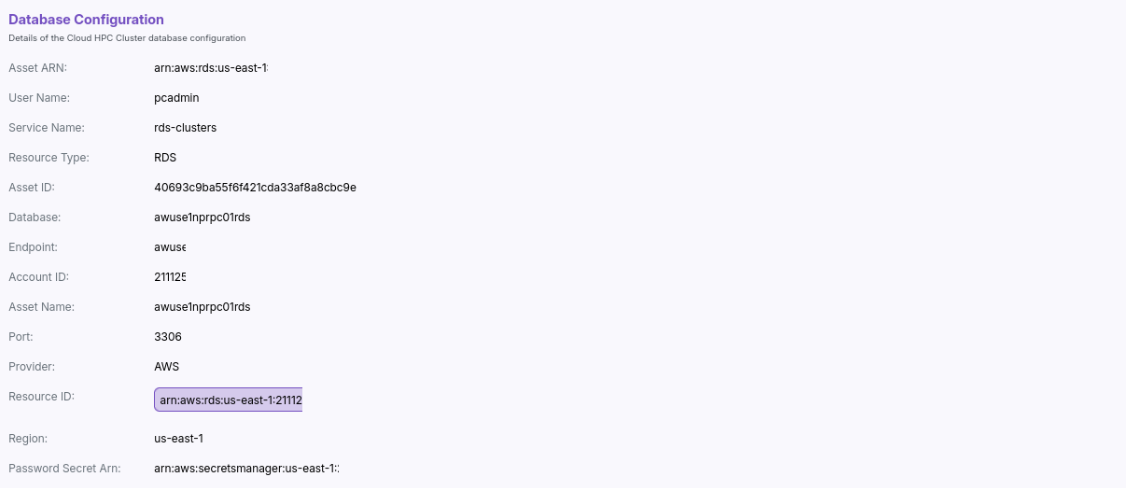
🗃️ Database Configuration
Displays information related to the database used by the cluster.
| Field | Description |
|---|---|
| ARN | RDS cluster or instance ARN |
| Server Name | DNS endpoint of the DB |
| Engine | e.g., Aurora MySQL |
| DB Subnet | The subnet group associated with the DB |
| Endpoint URLs | Multiple DB endpoint URLs |
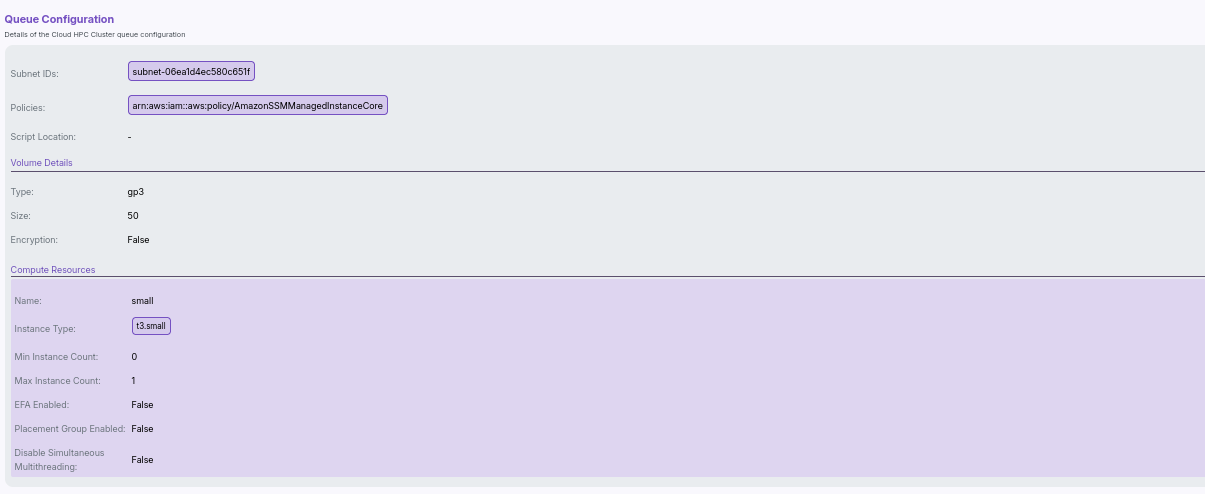
🧾 Queue Configuration
Shows queue-specific configurations used by the scheduler (e.g., Slurm).
| Field | Description |
|---|---|
| Queue Name | Name of the queue (e.g., compute) |
| Compute Resources | Instance types or templates |
| Min/Max Nodes | Scaling limits |
| EFA Enabled | If Elastic Fabric Adapter is supported |
| Placement Group | AWS placement group |
| Spot Enabled | Indicates if Spot Instances are used |
📦 Storage Configuration
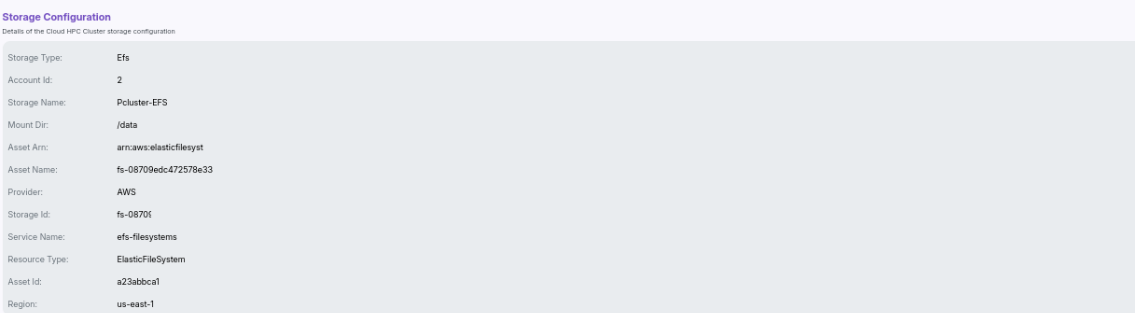
This block displays file system and volume-level configurations attached to the cluster.
| Field | Description |
|---|---|
| Storage Type | Type of storage (e.g., EFS, FSx) |
| Mount Dir | Mount point on the instance |
| Resource ID | Associated resource identifier |
| Provider | AWS or other |
| File System ID | Unique storage ID |
| Availability Zone | AZ in which the storage resides |
ℹ️ Additional Details
Shows runtime metadata like:
| Field | Description |
|---|---|
| Stack ID | CloudFormation Stack ID used for provisioning |
| Cluster Version | Software stack version |
🔍 Example Use Cases
- Validate whether the correct AMI and instance types are used.
- Confirm log monitoring and EFA setup in queues.
- Reference database endpoints for integration with external tools.
- Review autoscaling and scheduler setup during debug or tuning.
📌 General Notes:
- If you encounter any UI issues or have questions about job submissions or status, please contact the Admin for support.