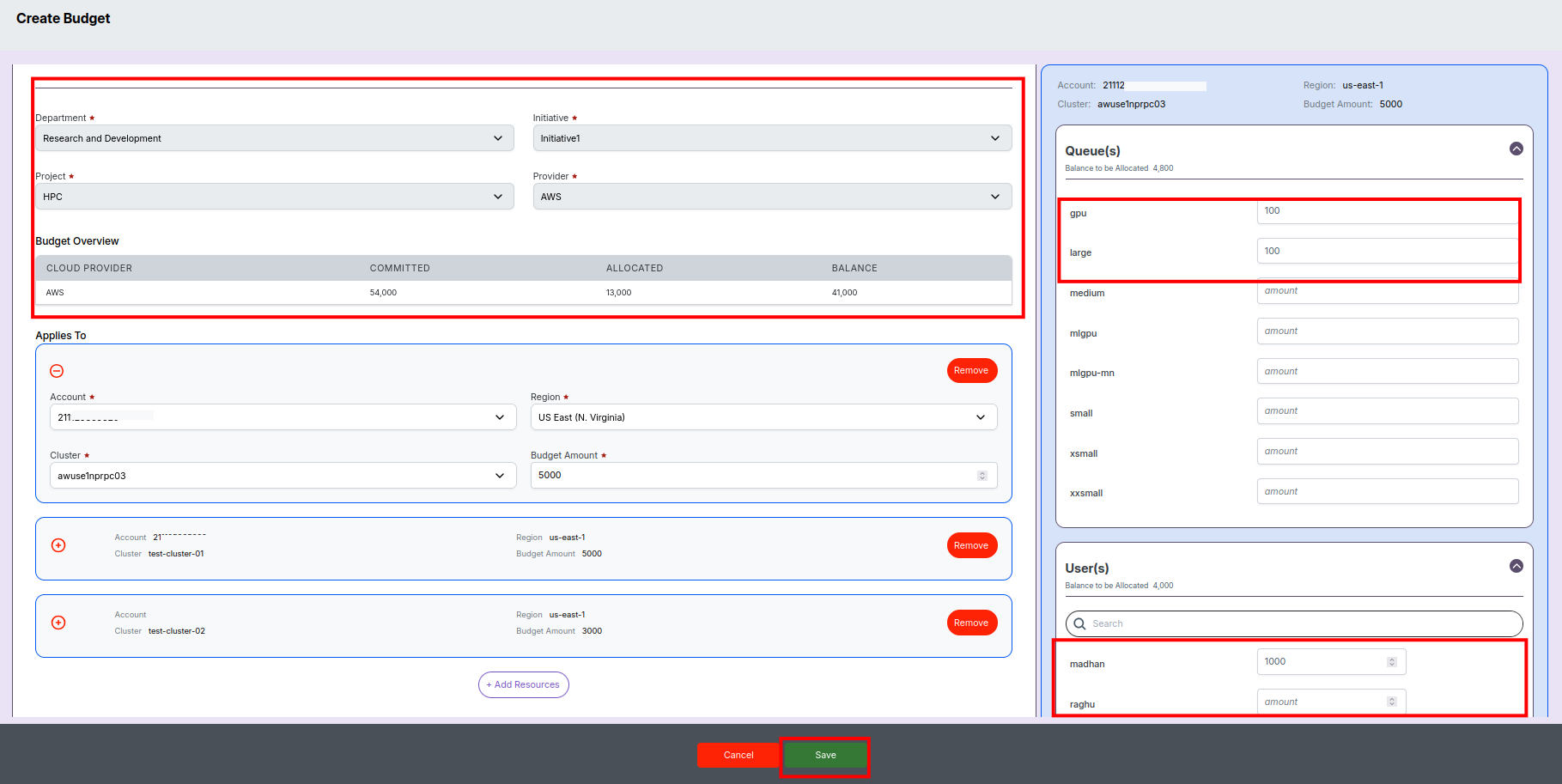
Budget Management
Buget management helps the admins in planning and allocating the funds across departments, projects and the R&D users. It helps to bring better control on the spending and providing a fair share to all the users.
Provides the steps to setup yearly budget for the departments, projects, clusters and users. Budgets can be setup at all levels for an year and spread it across months. There are 2 major steps in setting up budgets.
- Setup budgets for Department, Initiative and Projects.
- From the project's budget allocate funds for different HPC clusters and its users.
Setup budget for Department and Projects
Prerequisites
- Should have created the necessary mappings between Department, Initiative and Projects. This can be done using Admin-> Department screen.
Create a new budget
- Click on Cost -> Budget in the left menu and navigate to the budgets screen.
- The budgets screen shows the list of existing budgets and allows to create new budget.
- Click on Create Budget button above the budget list table.
- Enter a name for the budget in the Name field.
- Selecct the year in the Year field.
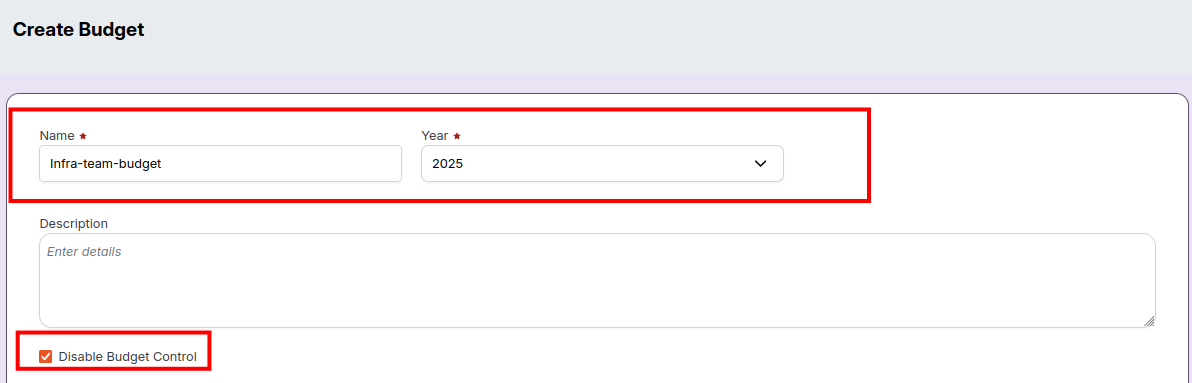
- In the 'Department' section, select a Department for which you are allocating the budget.
- Select a cloud provider from the Cloud Provider dropdown.
- Enter the budget $ amount in the Annual Budget field.
- Select the Equal Monthly Budget checkbox to spread the buget equally to all the months.
- Enter the budget $ amount in the monthly budget fields if you wish to customise monthly budgets.
- Next, select the Initiative within the department to which you wish to allocate the budget.
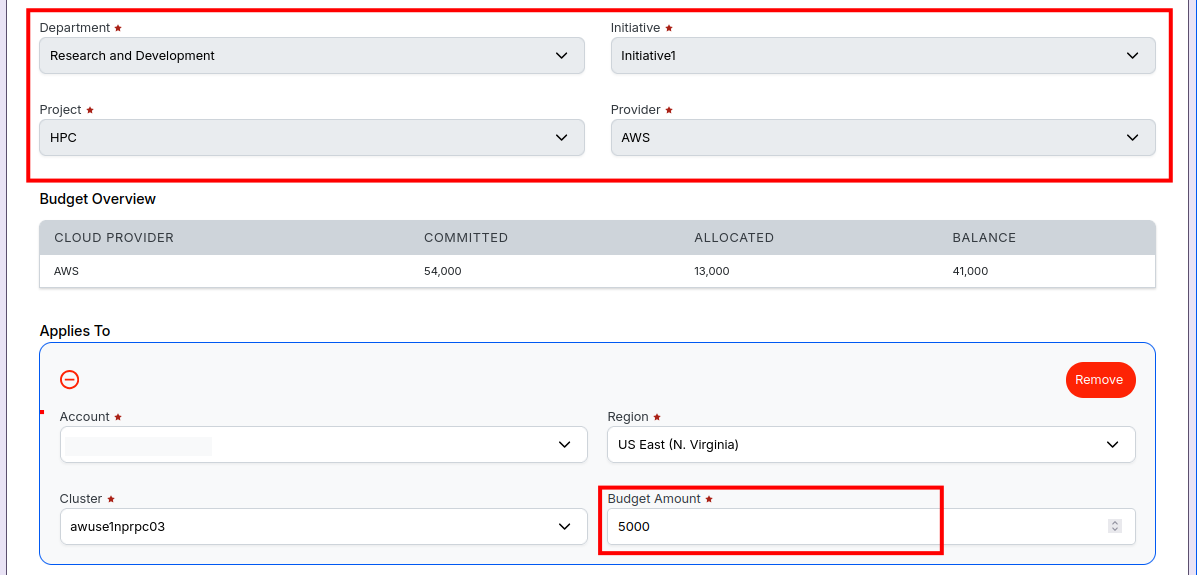
- Enter the budget $ amount in the Annual Budget field.
- Select the Equal Monthly Budget checkbox to spread the buget equally to all the months.
- Enter the budget $ amount in the monthly budget fields if you wish to customise monthly budgets.
- Next, select the Project within the initiative to which you wish to allocate the budget.
- Enter the budget $ amount in the Annual Budget field.
- Select the Equal Monthly Budget checkbox to spread the buget equally to all the months.
- Enter the budget $ amount in the monthly budget fields if you wish to customise monthly budgets.
- Once all the necessary input fields are filled, click Save to create the budget.
- After the system saves the user details, shows the 'Budget created successfully' notification.