Cluster Configuration and Details
The Details tab in the Cluster Resources side panel displays the selected cluster's infrastructure and configuration information.
Open Cluster Details
- Navigate to HPC → Cluster → Clusters.
- Hover over the required cluster card.
- Click View Details.
- Select the Details tab.
- Scroll within the panel to review the sections below.
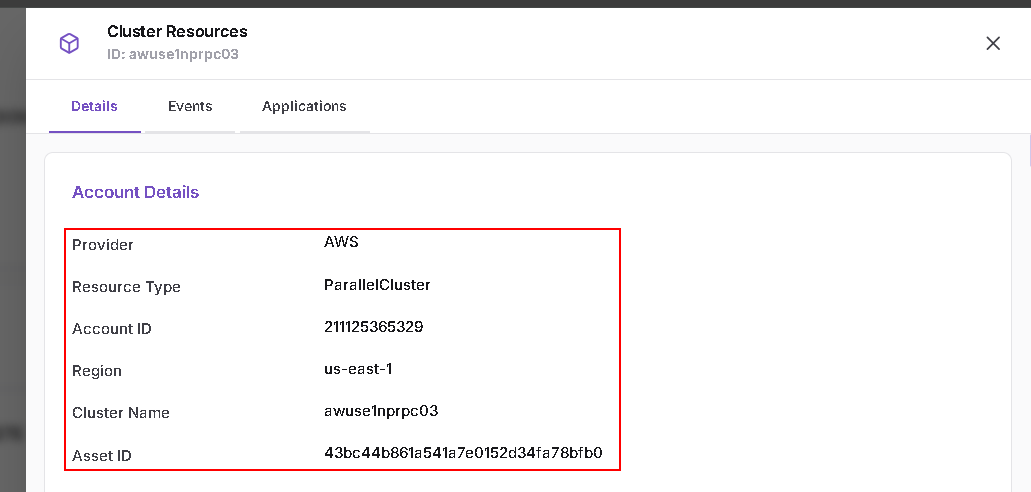
Account Details
This section identifies the cluster and its cloud account.
| Field | Description |
|---|---|
| Provider | Cloud provider |
| Resource Type | Cluster resource type |
| Account ID | Associated cloud account |
| Region | Cloud region |
| Cluster Name | Name of the selected cluster |
| Asset ID | Asset identifier recorded by the platform |
HeadNode Details
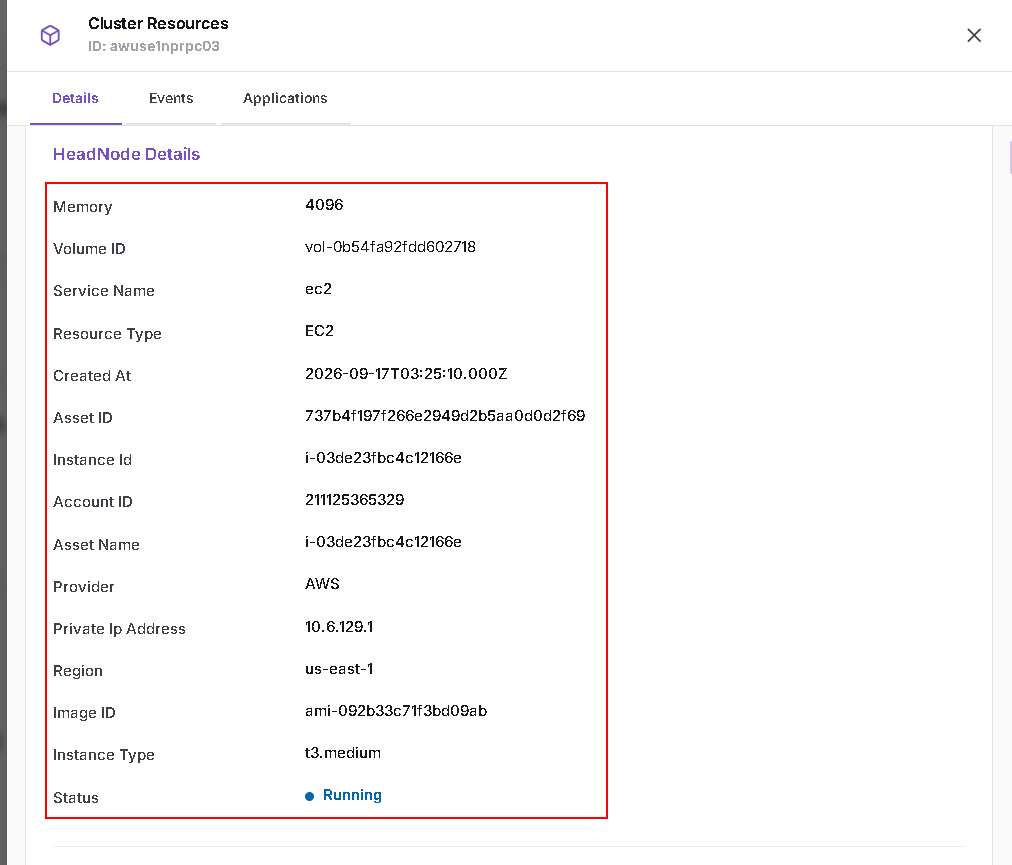
This section displays information about the head node.
The displayed fields include:
- Memory and Volume ID.
- Service Name and Resource Type.
- Created At.
- Asset ID, Instance Id, and Asset Name.
- Account ID, Provider, and Region.
- Private Ip Address.
- Image ID and Instance Type.
- Status.
Cluster Configuration
This section displays the configuration associated with the cluster.
| Area | Displayed settings |
|---|---|
| Cluster and operating system | Cluster Name, OS, and Queue Type |
| Compute | Instance Type and Disable Simultaneous Multithreading |
| Storage | Volume Type, Volume Size, and Volume Encrypted |
| Network and access | Allowed Ips, Subnet ID, Key Name, Policies, and IMDS Support |
| Logging and monitoring | Cloudwatch Logs Retention In Days, Cloudwatch Dashboard Enabled, Cloudwatch Logs Enabled, Cloudwatch Logs Deletion Policy, and Detailed Monitoring |
| Scaling | Scaledown Idle Time |
| Scripts | On Node Updated Script and On Node Configured Script |
| S3 Access | Bucket Name and Enable Write Access |
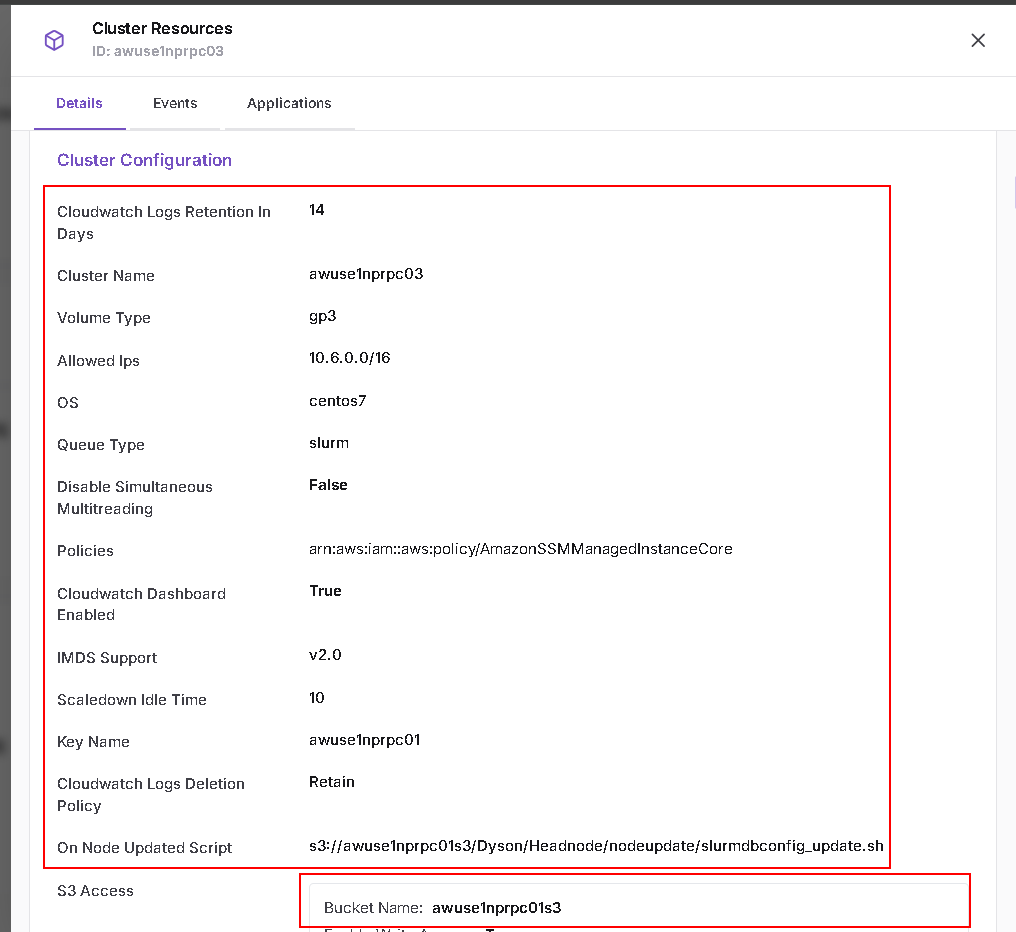
Scroll down to view the remaining settings.
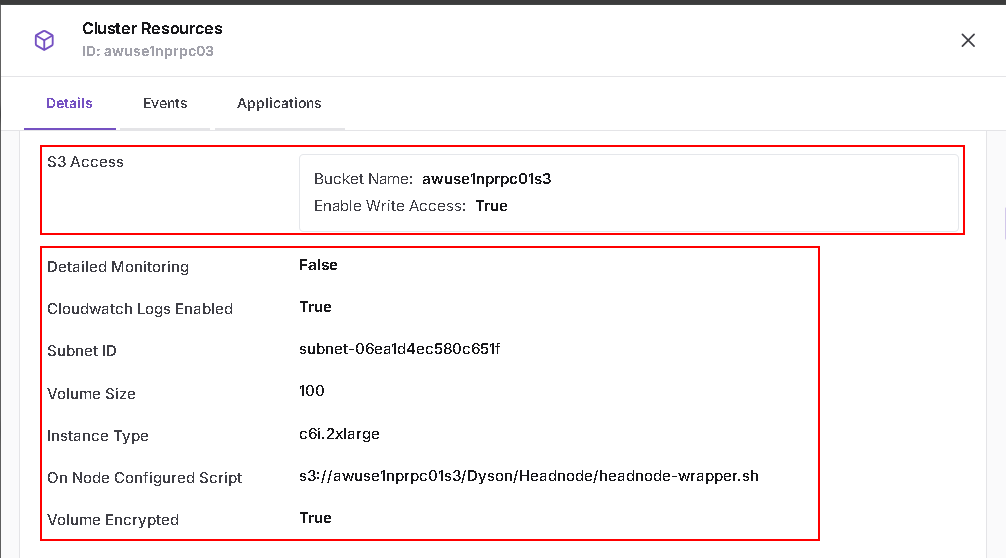
The Policies field in this section displays associated policy references. The screenshot shows an AWS IAM policy ARN.
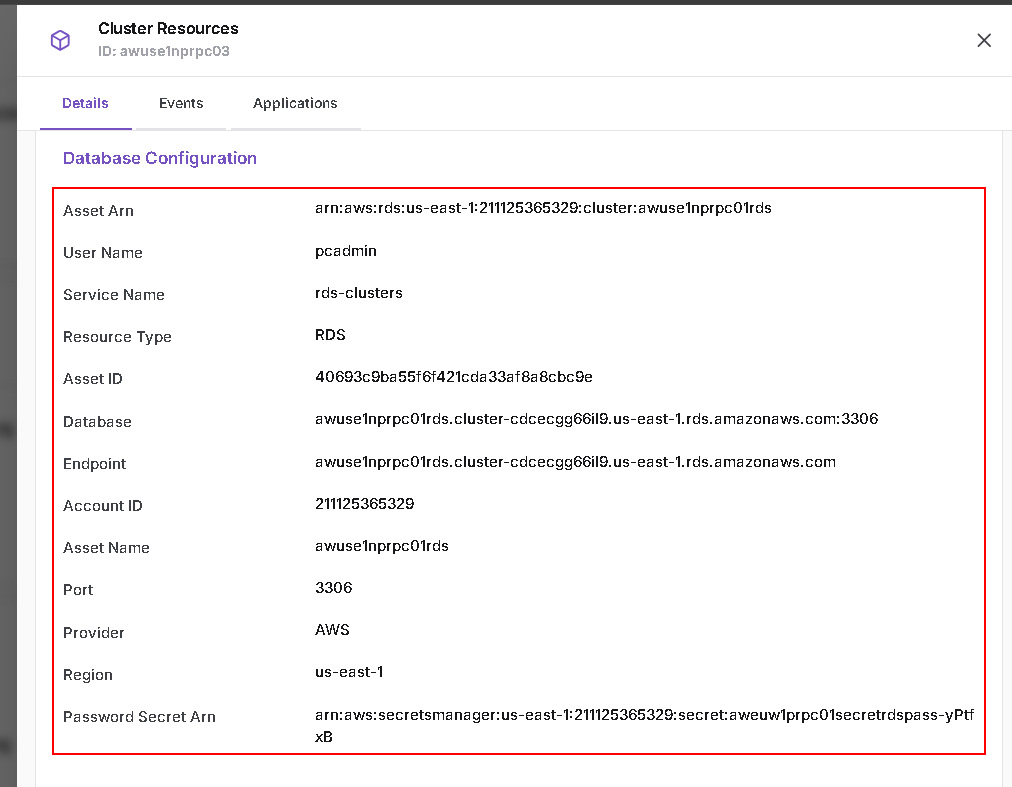
Database Configuration
This section displays the database resource associated with the cluster.
The displayed fields include:
- Asset Arn, Asset ID, and Asset Name.
- User Name.
- Service Name and Resource Type.
- Database, Endpoint, and Port.
- Account ID, Provider, and Region.
- Password Secret Arn.
Queue Configuration
This section displays configuration entries for the cluster's queues. Scroll down to review additional queues.
Each queue entry includes:
| Field | Description |
|---|---|
| Queue Name | Name of the queue |
| Subnet IDs | Associated subnet identifiers |
| Policies | Associated policy references |
| Script Location | Configured script location |
| Volume Type | Configured volume type |
| Volume Size | Configured volume size |
| Encryption | Displayed encryption setting |
Each queue also contains a Compute Resources section:
| Field | Description |
|---|---|
| Name | Compute resource name |
| Instance Type | Configured instance type |
| Min Instance Count | Configured minimum instance count |
| Max Instance Count | Configured maximum instance count |
| EFA Enabled | Displayed EFA setting |
| Placement Group Enabled | Displayed placement group setting |
| Disable SMT | Displayed simultaneous multithreading setting |
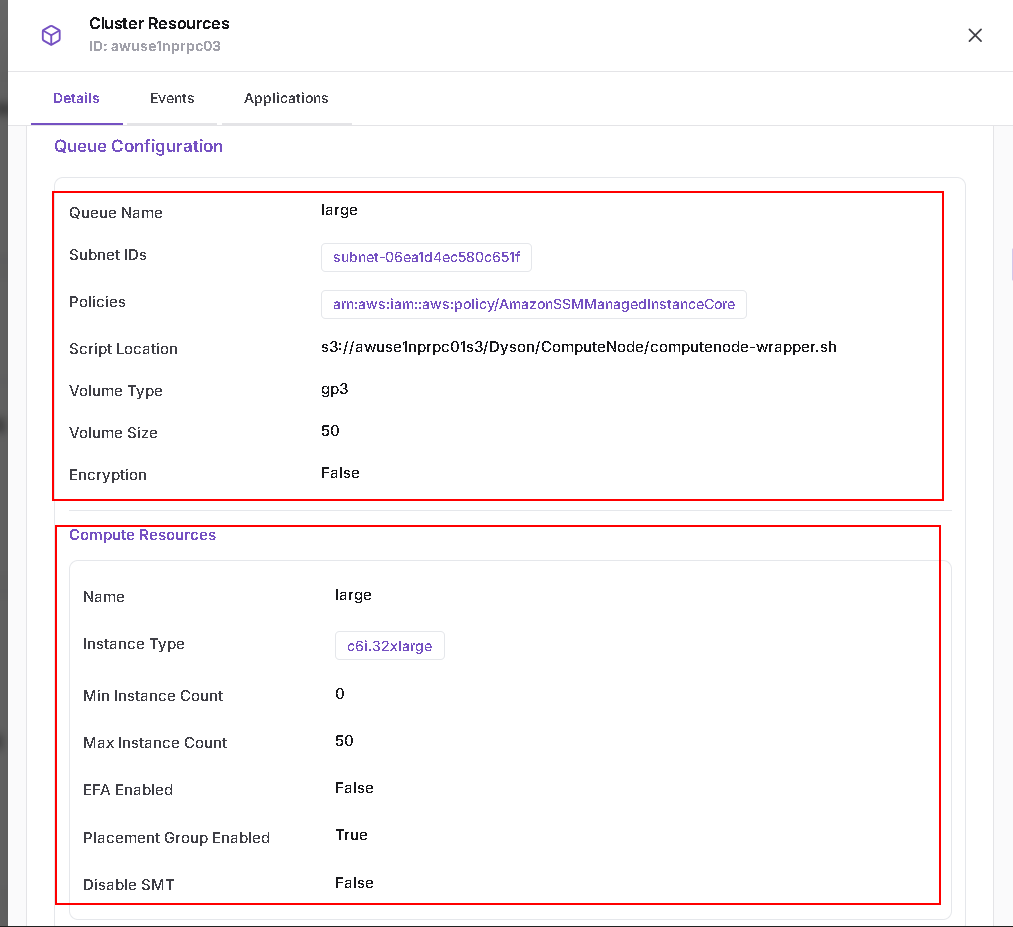
A queue can contain multiple compute resource entries. The available queues and their values depend on the selected cluster.
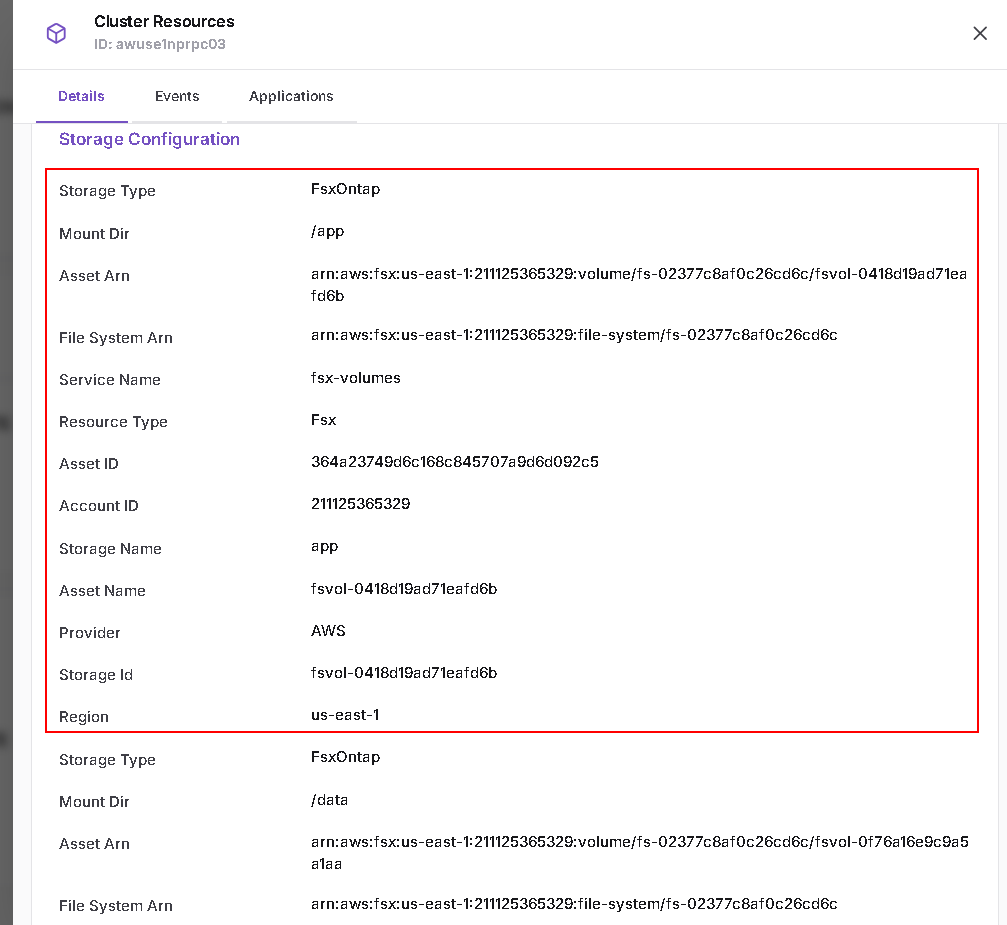
Storage Configuration
This section displays the storage resources associated with the cluster.
The displayed fields include:
- Storage Type and Mount Dir.
- Asset Arn and File System Arn.
- Service Name and Resource Type.
- Asset ID, Asset Name, and Storage Id.
- Storage Name.
- Account ID, Provider, and Region.
Multiple storage entries may appear. In the example cluster,
the entries include the /app, /data, and /shared mount directories.
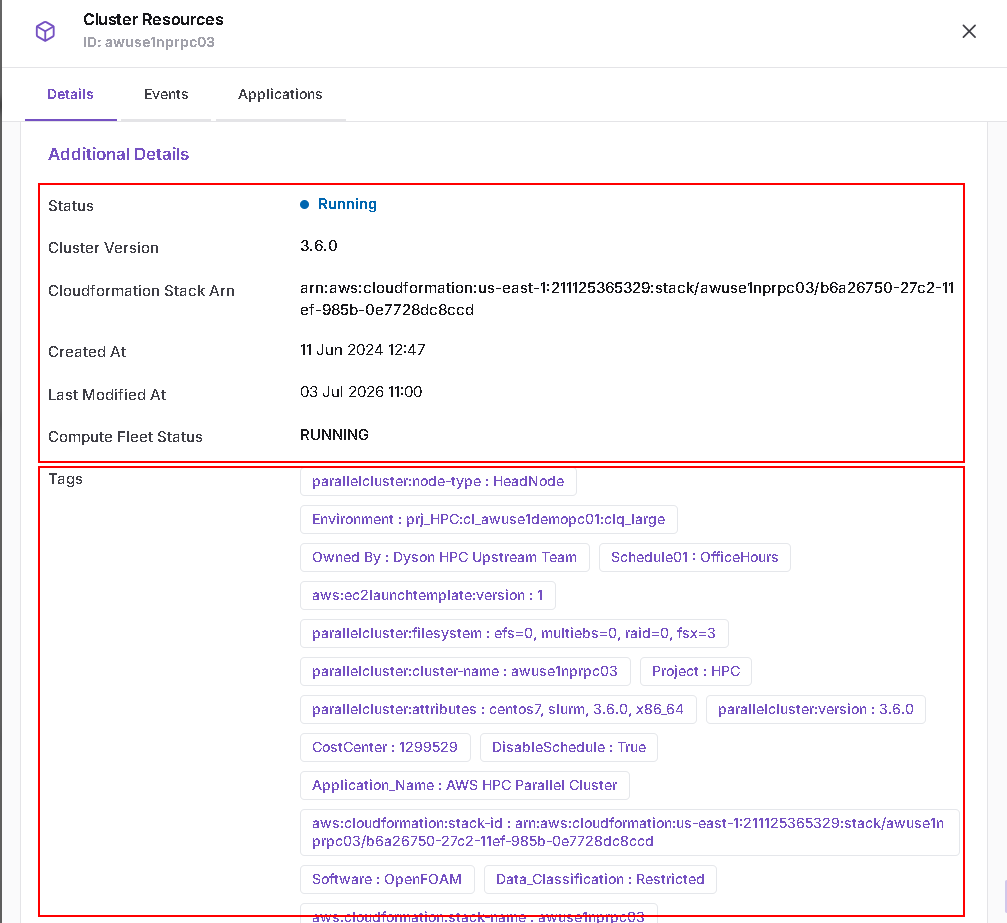
Additional Details
This section displays additional cluster metadata:
- Status.
- Cluster Version.
- Cloudformation Stack Arn.
- Created At.
- Last Modified At.
- Compute Fleet Status.
- Tags.
Values and resource identifiers vary by cluster. Use the information displayed for your selected cluster when reviewing its configuration.